Get your ShopAltAI API key
Generate the key every plugin uses to connect to your ShopAltAI account.
Every integration connects the same way: a key you generate in ShopAltAI and paste into the plugin.
Note: This is not the same as a BYOK key. This one identifies you to ShopAltAI. A BYOK key is your own AI provider's key — see BYOK if that's what you're after.
Generate one
- Go to Settings
- Find the card for your platform — WordPress, WooCommerce, Chrome extension, Joomla, Drupal, or PrestaShop
- Click Generate key
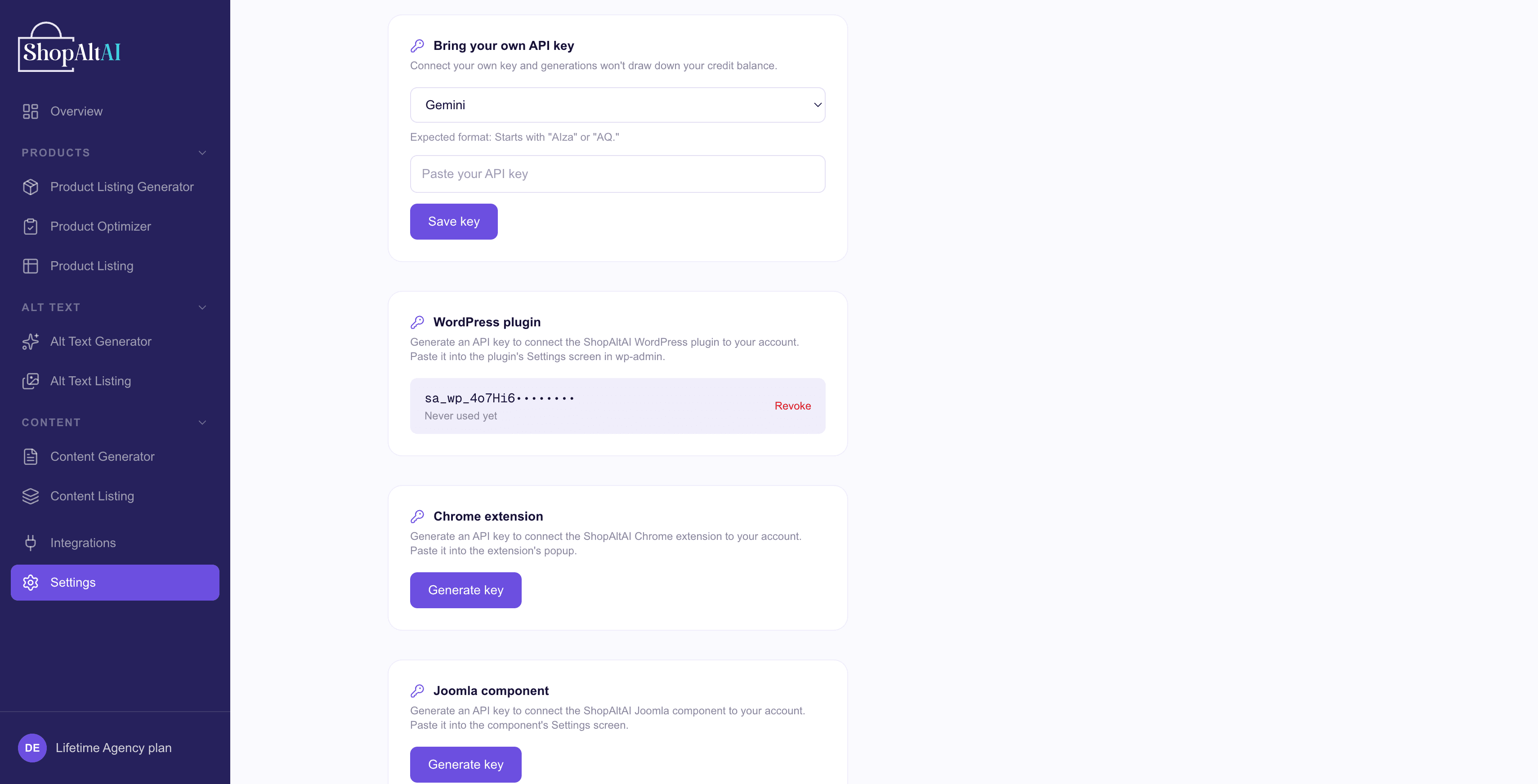
- Copy it immediately. It's shown once and can't be retrieved afterwards. If you lose it, generate a new one.
Keys are prefixed by platform
So you can tell them apart:
| Platform | Key looks like |
|---|---|
| WordPress / WooCommerce | sa_wp_… |
| Shopify | sa_shp_… |
| PrestaShop | sa_ps_… |
| Joomla | sa_jml_… |
| Drupal | sa_drp_… |
| Chrome extension | sa_ext_… |
The prefix tells you at a glance which key belongs where. A key generated for one platform won't work on another.
A key belongs to the workspace it was generated in — check the note above the key cards names the right one. If you run two WooCommerce stores, give each its own workspace and generate a key in each; then you can revoke one without breaking the other. See Workspaces.
Do I need a paid plan?
You need an active plan to generate an API key. Keys stop working if the subscription lapses — you'll get a "subscription inactive" message rather than a broken-key error.
Can I use one key across several stores?
Don't. A key writes everything into its own workspace, so two stores sharing one key end up mixed together in one workspace's history — and revoking the key breaks both. Give each store its own workspace and key. (Allowances are shared across your whole account either way.)